
AR Zapworks Exercise
First Impressions
Being my first interaction with any sort of AR creation technology, I was a bit apprehensive not understanding quite how it could be useful however after being introduced to the basics of the software being largely unity based I was put to ease. I quickly learned that the difficulty in creating AR wasn’t necessarily its creation but more finding appropriate places to effectively use the technology in order to get the most benefit from it. The first part to this was discovering the different types of AR out there.
Different types of AR?
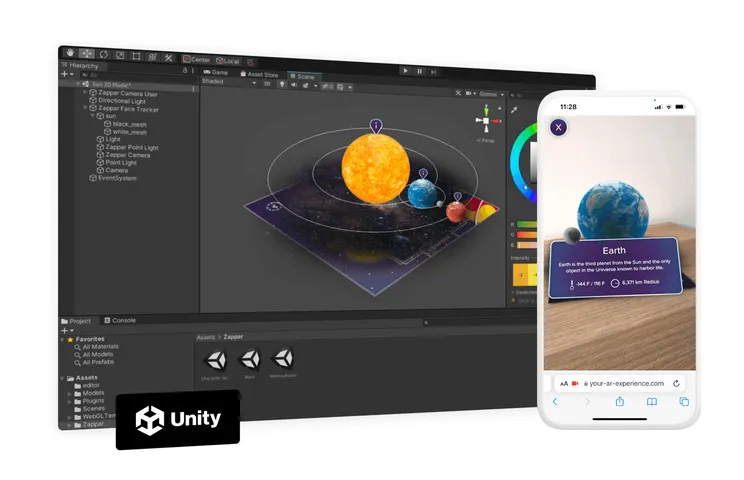
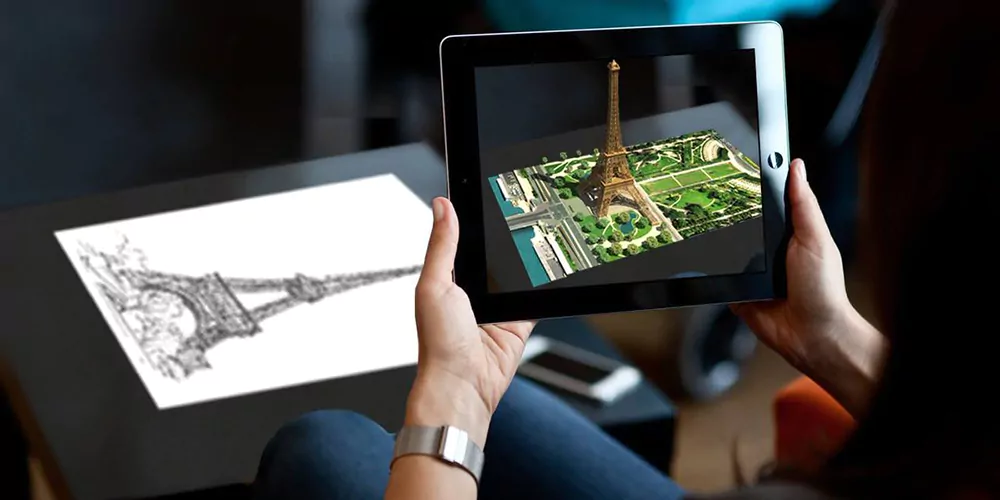
So what are the different Types of AR? There are actually 4 main types to get your head around as I soon discovered with the help of this article (2. Program-ace: 4 key types of AR, 2024) The first being marker based AR this is the type we dealt with in the first exercise on Zapworks the way it works is you scan a QR code which allows your device to recognise a specific marker to place your 3D element on top of. The process for creating the element was fairly simple as long as you have knowledge of creating objects in unity once your happy you take your creation to zapworks assigning it a marker which then in turn will display your 3d creation upon recognising the marker a smart tool that I may use towards my project to display more interactive information or alternatively to show a clearer picture of a 2d shape allowing the viewer to visually understand an object better.
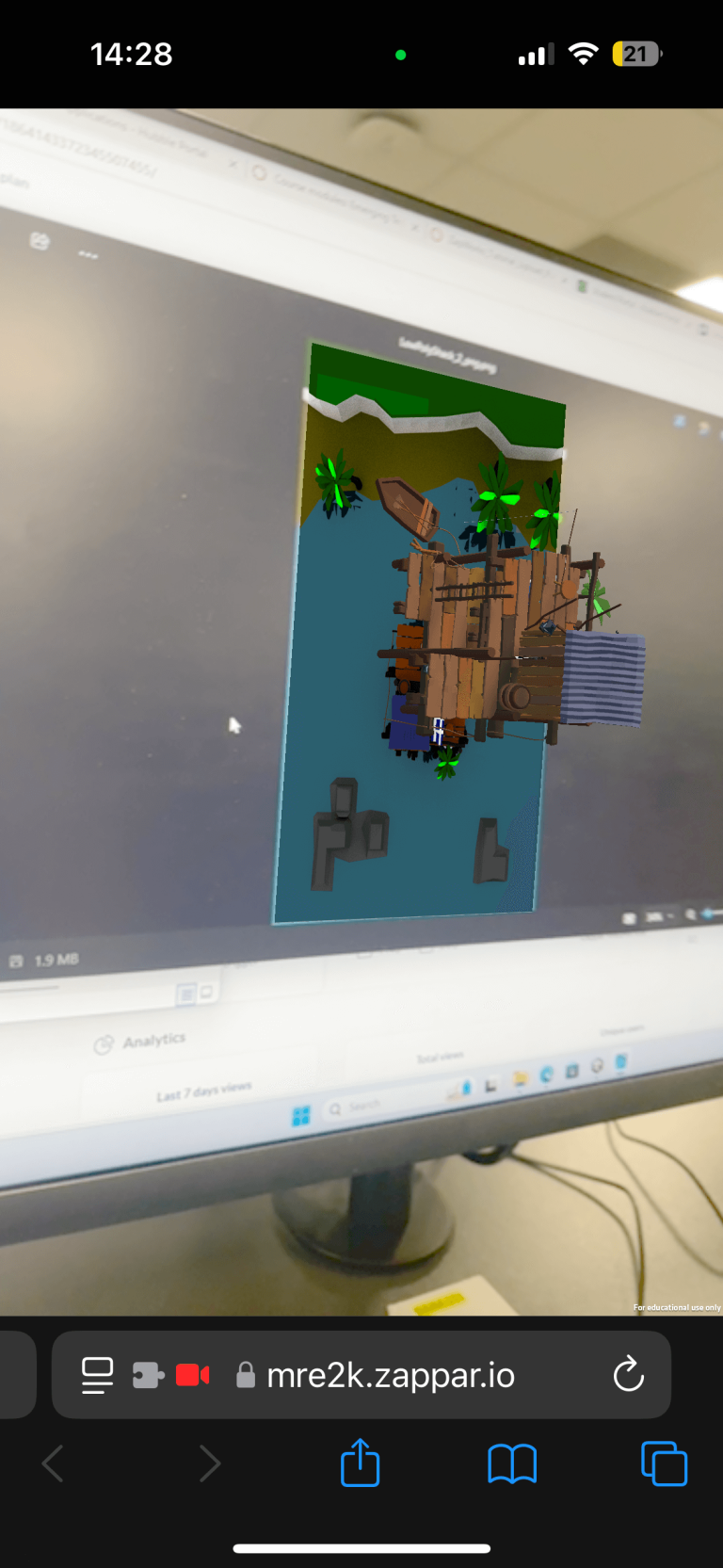
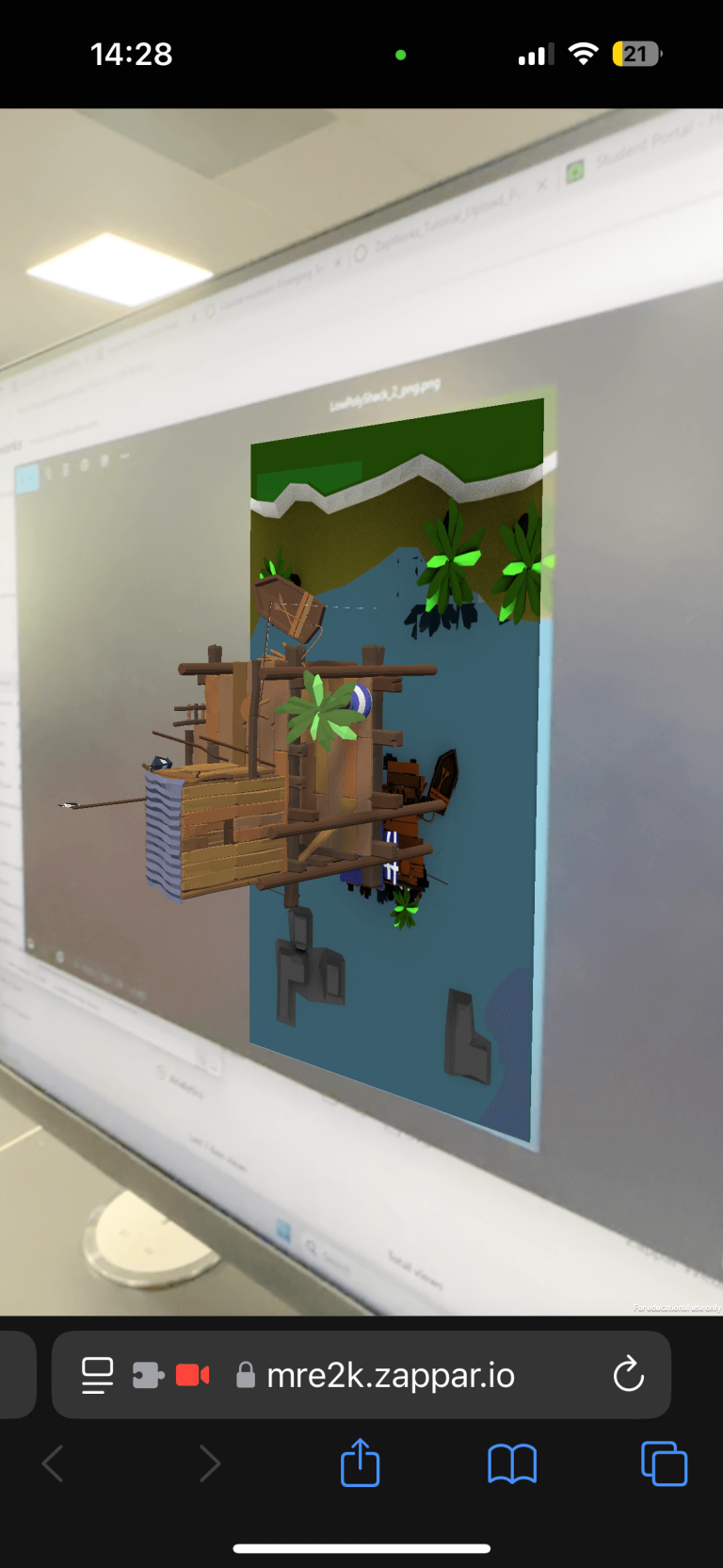
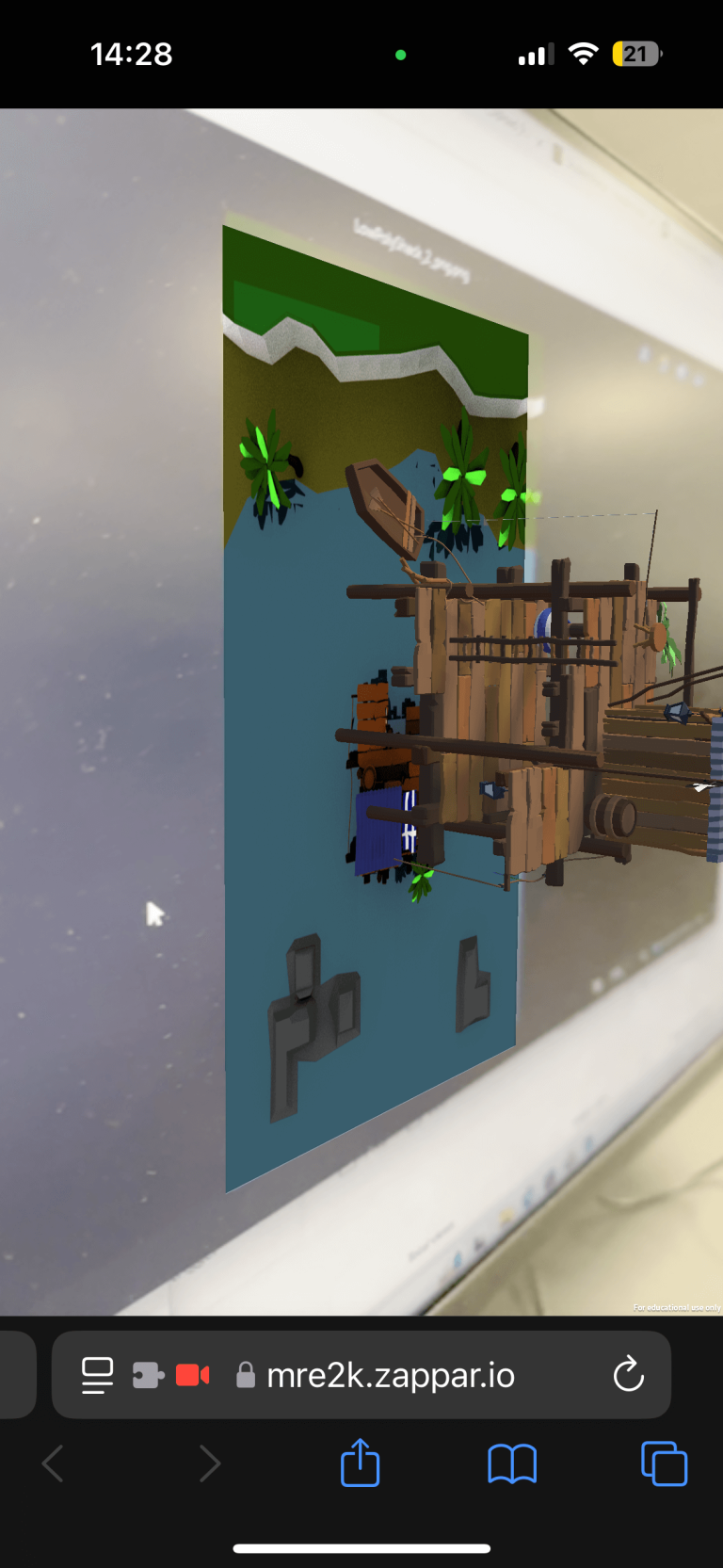
Here is the Zapworks creation we made in this workshop as you can see the device recognises the marker and uses that as a reference for where the camera is in relation to that position giving it all the data it needs to make the model stay in place as the device moves around it making it very easy for items to stay the correct size, this is a unique benefit of marked AR over Unmarked AR as it allows the creator a much more consistent way of setting the size for their creation my making it relative to a real world marker. As for Unmarked AR the best example of a use case in modern every day life is the measure app on an IPhone however you could argue this is more Location marking than unmarked due to its use of the Lidar sensor it uses. The benefits of going with unmarked AR come mostly from the freedom it presents, this is because it removes the need for a trigger and therefore can be used in any location regardless of conditions. Obviously the flaw in this comes when the software cannot decide if it should place the object near or far leading to objects either coming too close or too far away from the operator for them to be effective. This Problem is somewhat solved by location based AR if your device has an accurate idea of its own location as it uses map pinning in order to place its objects in the real world. This was the topic for the second part of the exercise as we moved on to the use of Adobe Aero.
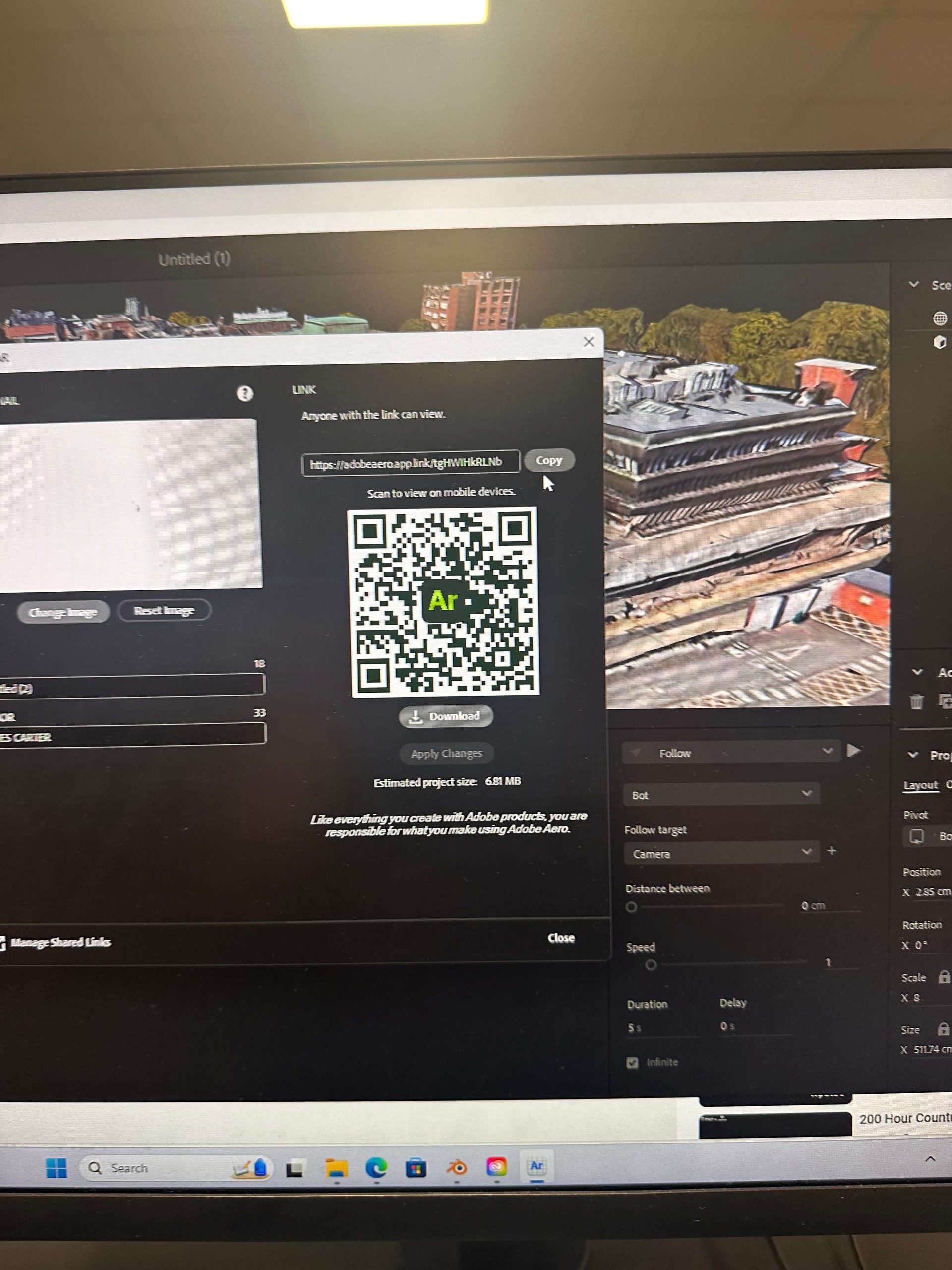
Unfortunately I misplaced the photograph of the actual AR Robot i placed outside the DAIM Building, however i believe the QR code should still be active if you wanted to give it a try. As you can see it works the same way as UNmarked and marked AR where you have to prepare your device first in order for it to perceive the AR objects however unlike the other methods you may not immediately find the object. This is because location tracking and placing the object don’t always perfectly align making it harder to work with than other methods in my opinion as you cannot as easily predict where an object may show up or how unless certain conditions are met. One such example of this would be my classmates object which was placed on a building as we were indoors the object proceeded to appear larger than intended coming through the roof which was not the desired outcome. Real life use cases for this are limited by the technology however certain objectives such as navigation down open streets may be more effective. The Final AR type is actually the most most common now, being Projection AR, this particular methor focuses on projecting light onto surfaces to imitate a floating in mid air effect most commonly found in cars Head up display technology, the uses for this are about as many as screens themselves as they dont have the limitations of needing a separate device to visualise making it one of if not the easiest form of AR technology.
References
-
Powering the immersive web (2024) Zapworks: AR with Unity. Available at: https://zap.works/ (Accessed: 01 November 2024).
-
4 key types of AR: Explaining each type with examples: Program-ace (2024) Program Ace. Available at: https://program-ace.com/blog/types-of-ar/ (Accessed: 01 November 2024).