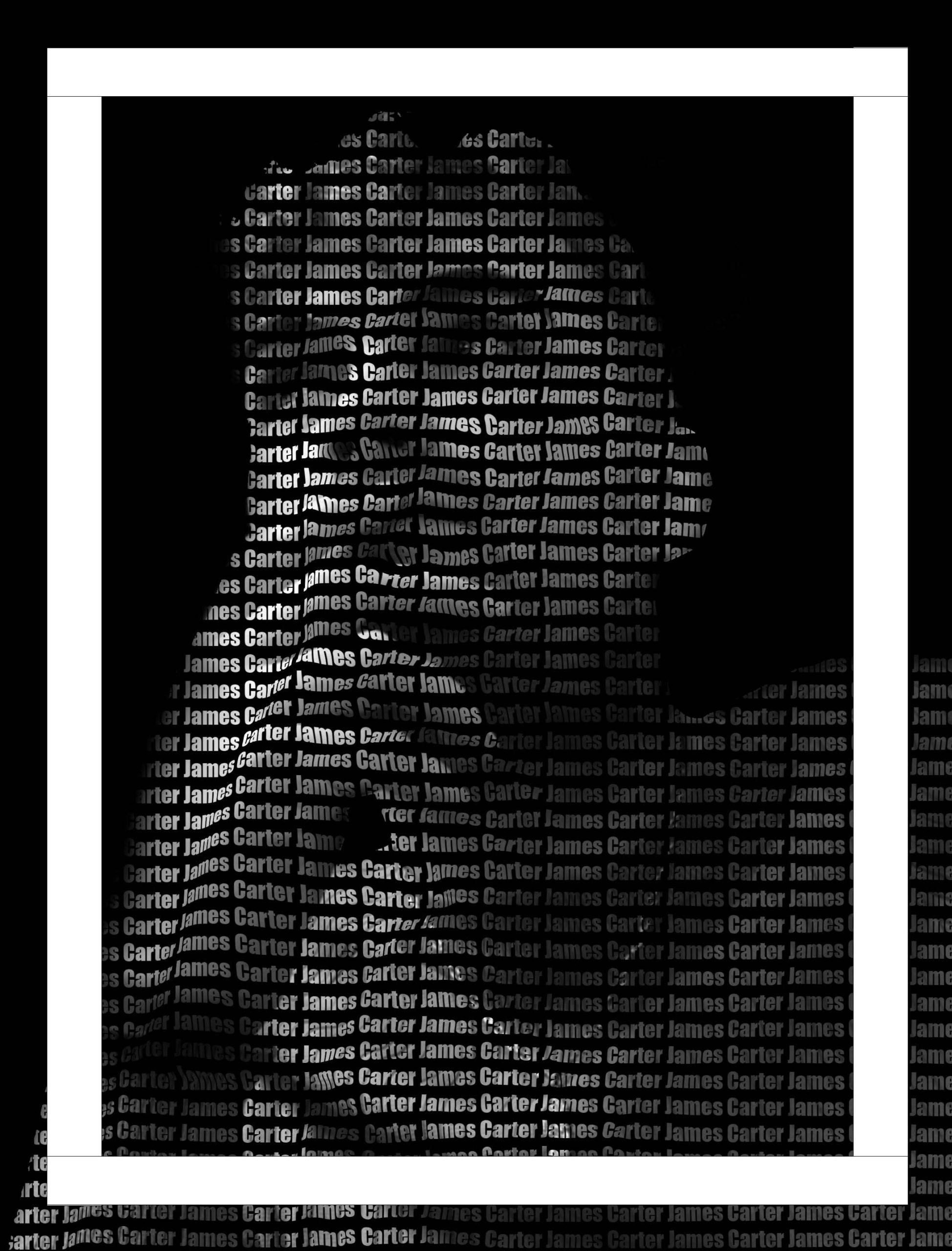
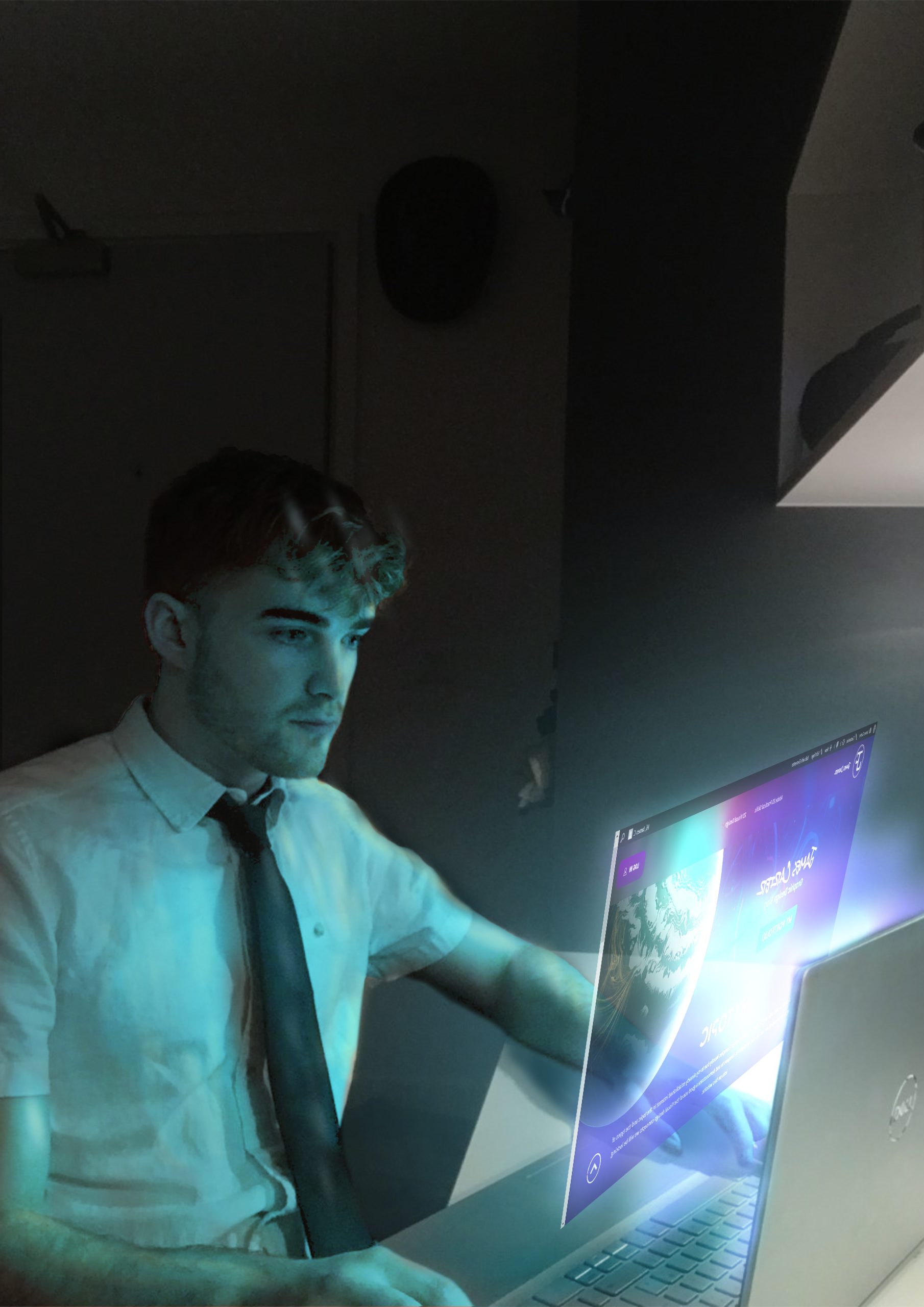
My first idea for a photoshop portrait was to use text to make up a face as I was intrigued by the concept of using language as a medium for art and wanted to explore the possibilities of using text to create a portrait, I found that one of the biggest challenges was trying to get the text to flow with the shape of the face, and create a cohesive image. So I started experimenting with different layers attempting to get the portrait to look better, I eventually realized the key was to use smart layers so I removed the background and turned my image into a map so the text could flow with the face a little easier, for the text I just used my name both for proof of concept but also to conceptually link to the fact that as people we are made up of so many different experiences but all you see without looking deeper is the person as one.